In this lab, you will learn about signing up, signing in & signing out users in your Flask app.
As well as setting up a Firebase project.
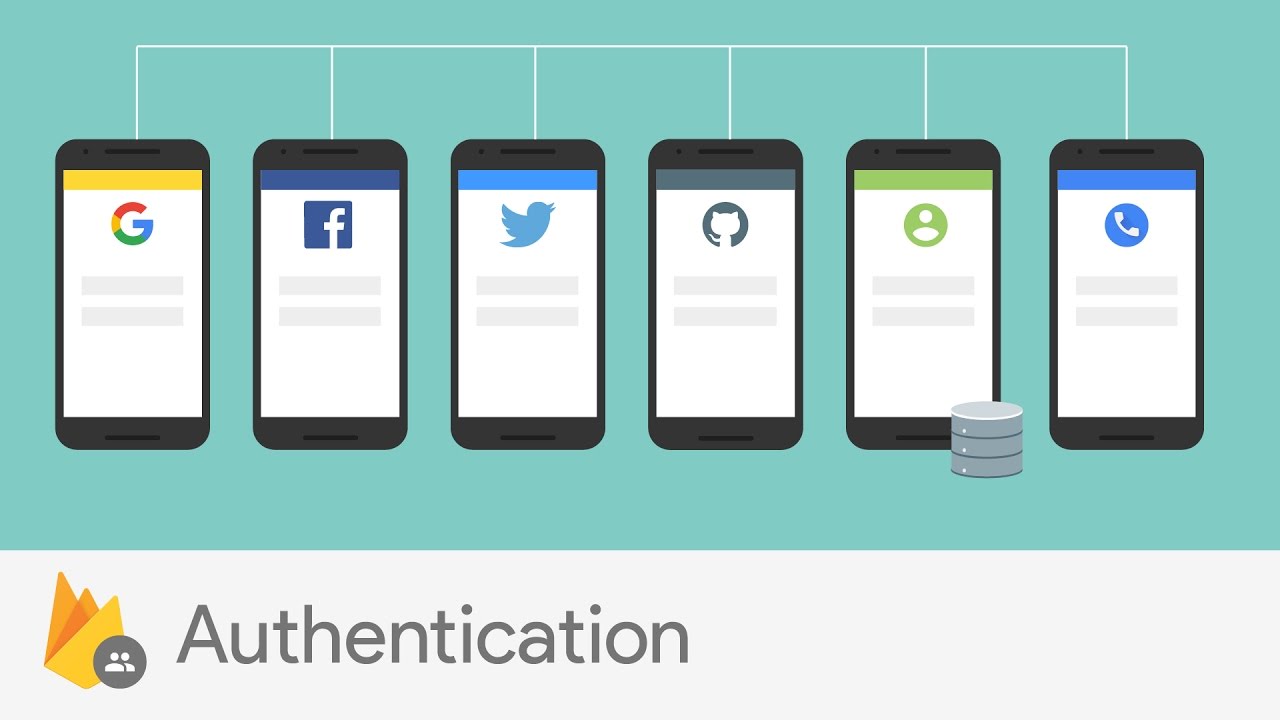
Before we start, make sure to download the zip file and export it to sublime
-
Create and set up a new Firebase project:
- As displayed in the slides:
- Go to https://console.firebase.google.com/
- Create a new project and name it whatever you'd like.
- Go to Authentication and choose get started.
- Set up email and password authenticatication.
- As displayed in the slides:
-
Connect the Firebase project to your Flask app:
- In your Firebase project:
- Go to project setting and create a web app.
- Copy the firebaseconfig lines.
- In the app.py file:
- Create a dictionary called config and paste the copied lines (make sure to fix the syntax errors).
- Intialize the firebase using pyrebase.
- Intialize auth using the firebase object.
- In your Firebase project:
-
Signing up users:
- In signup.html:
- Go over the form and understand the code.
- In the signup route:
- If the method is 'POST' take the inputs and create a user with email & password.
- Don't forget to store the user in the login session and to use try and except.
- Redirect the route to the add tweet page
- For Authentication you need a valid email and a 6 character long password
- In signup.html:
-
Signing in users:
- In signin.html:
- Go over the form and understand the code.
- In the signin route:
- If the method is 'POST' take the inputs and signin the user with email & password.
- Don't forget to store the user in the login session and to use try and except.
- Redirect the route to the add tweet page
- In signin.html:
If you have extra time, continue to the Bonus Problems below.
If not, make sure you submit your code here
- In home.html:
- Add a button called signout.
- create a new route called signout:
- The route signs out the user and redirects him to the signin page.